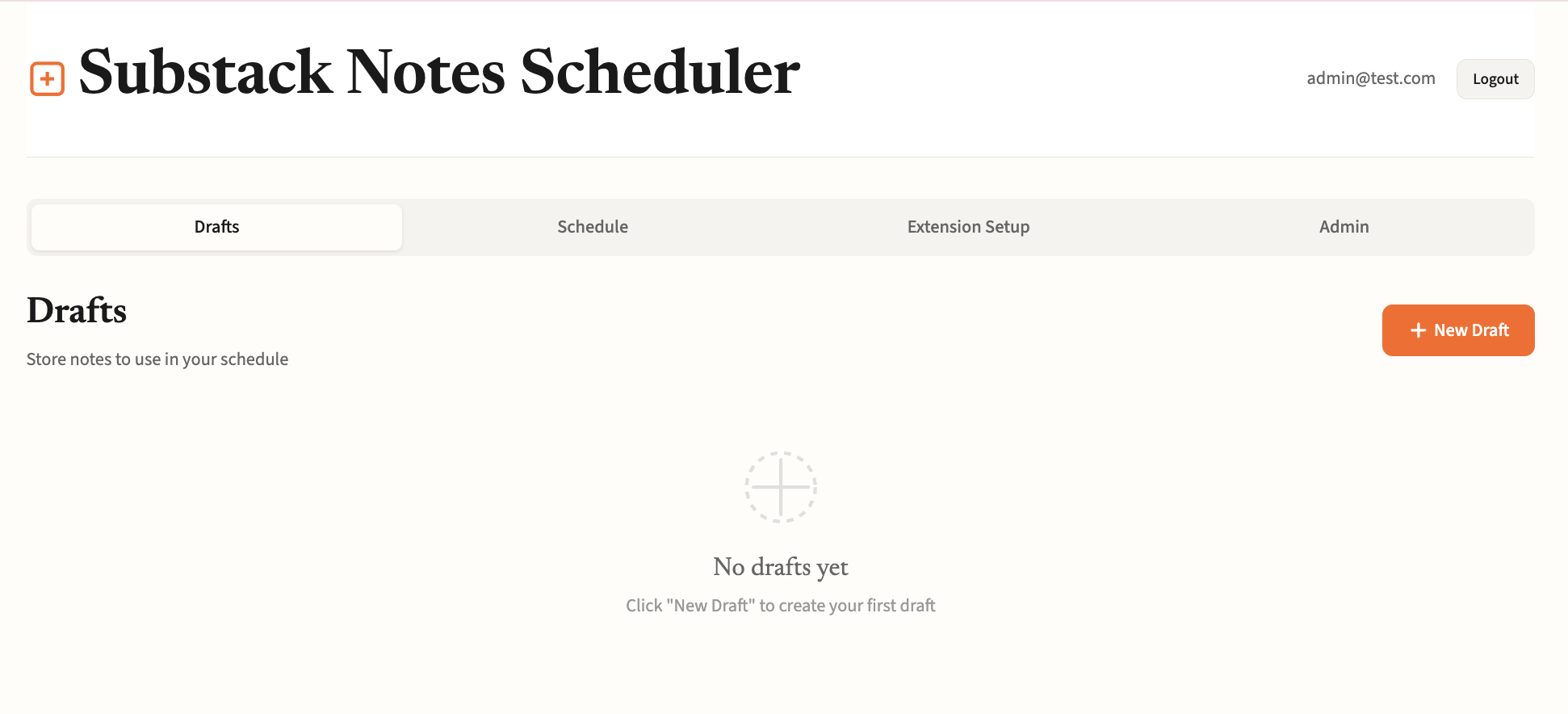
Drafts
Store notes to use in your schedule
No drafts yet
Click "New Draft" to create your first draft1. Set posting times
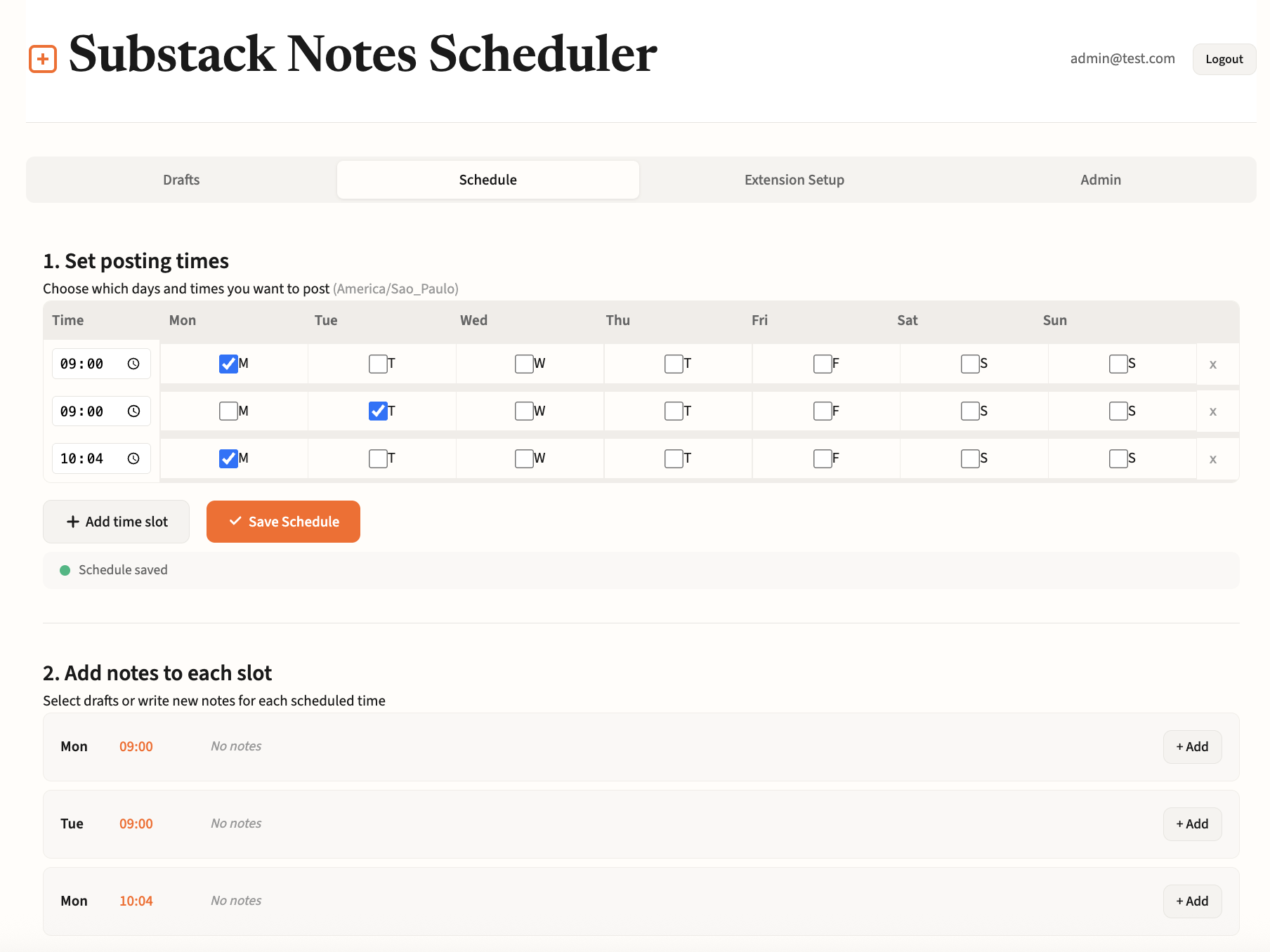
Choose which days and times you want to post (local time)
Time
Mon
Tue
Wed
Thu
Fri
Sat
Sun
Changes not saved
2. Add notes to each slot
Select drafts or write new notes for each scheduled time
Select days and times above first
Then add notes to each slot below3. One-time scheduled posts
Individual notes scheduled for specific dates
No scheduled posts yet
Click "Schedule a Note" to schedule your first postConnect Chrome Extension
The Chrome extension posts your scheduled notes automatically. Install it and sign in with your account.
1
Install the Extension
Download from the Chrome Web Store and pin it to your toolbar.
Get Chrome Extension2
Sign In
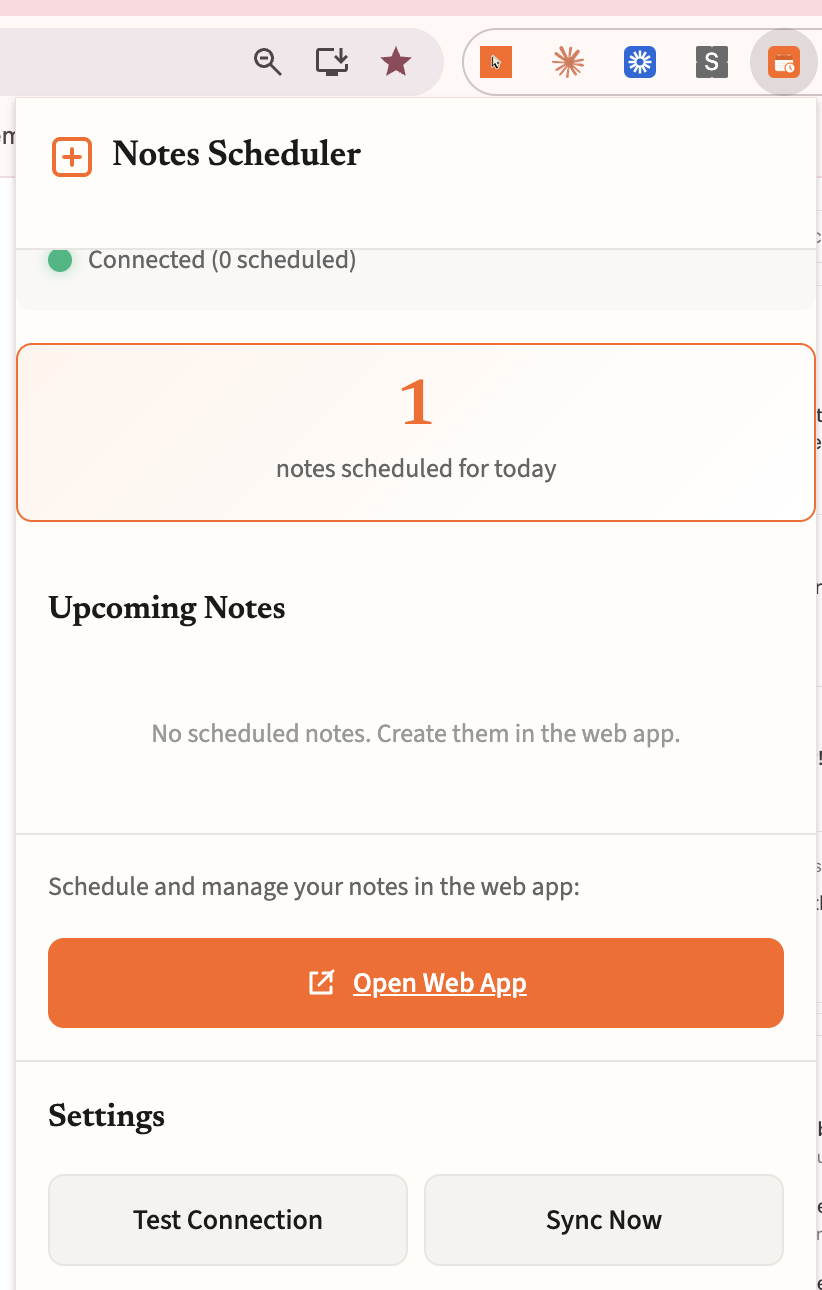
Click the extension icon and sign in with the same email and password you use here.
3
Keep Chrome Open
The extension posts your notes at the scheduled times. Just keep Chrome running in the background.
Admin Panel
Invite Codes
Reset User Password
Enter the user's email to generate a new temporary password.